
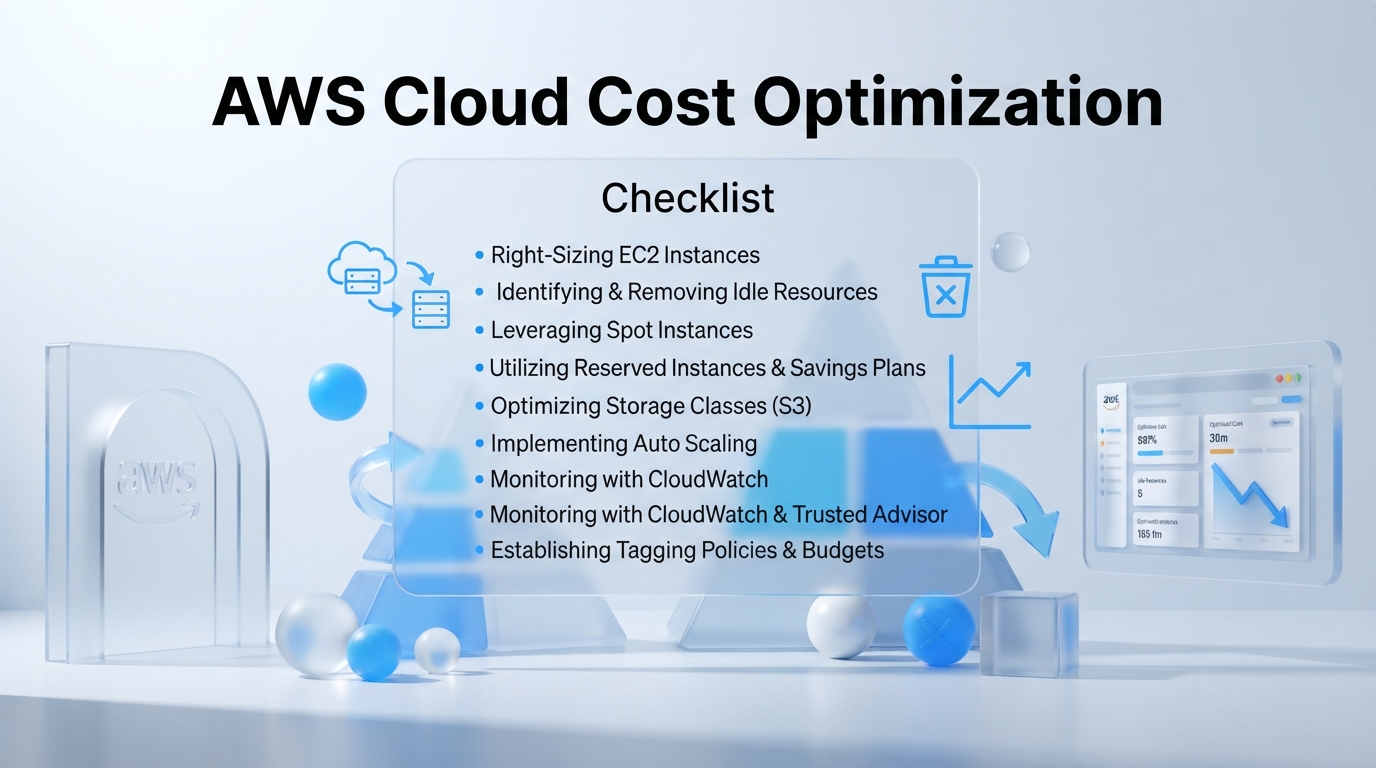
AWS Cloud Cost Optimization Audit Checklist - aws cloud cost optimization checklist
Unchecked cloud expenses can destroy your engineering budget overnight. Without an actionable aws cloud cost optimization checklist, hidden infrastructure costs grow silently inside your account console. Running a comprehensive audit on your cloud environment isn't just about cutting expenses. It's about gaining financial clarity before runaway billing traps hit your bottom line.
Table of Contents
- Stopping AWS Cloud Spend Leaks Before They Impact Your Bottom Line
- Phase 1: How to Audit Compute and Storage Waste
- Phase 2: The Actionable AWS Cloud Cost Optimization Checklist for Network and Licensing
- Phase 3: Why Official Cloud Deployment from InDevXo Prevents Architectural Overspending
- Phase 4: How to Automate Cost Governance and Anomaly Detection
- What Are the Most Overlooked AWS Billing Traps to Avoid?
- Sustaining Long-Term Cloud Governance and Infrastructure Value
Cloud bills grow quietly. Most tech teams don't realize they have a problem until a monthly invoice shocks leadership. Engineers might leave idle servers running over the weekend or forget unattached block storage volumes after testing code. Small daily charges stack up fast. For example, leaving a managed NAT Gateway running without active traffic still incurs hourly fees plus data transfer surcharges. Recent industry reports on IT budget cuts show that over 80% of technology teams have been directed to halt or trim cloud spending. Reactive budgeting fails because it attempts to patch financial damage after the money has already left your bank account.
We've all read alarming stories in community discussions on cleanup tactics where developers inherit a chaotic account structure. To stop spend leaks permanently, you need to master the foundational pillars of cloud cost management: right-sizing compute resources, ensuring elastic scaling, optimizing storage tiers, and continuously monitoring network traffic. Think of right-sizing like picking a vehicle for a quick errand. You shouldn't pay to rent a massive semi-truck when a small scooter gets the job done. Official guidance from AWS Cloud Financial Management documentation confirms that deleting unutilized resources and matching instances to actual demand forms the core of effective governance.
Cleaning up infrastructure waste after the fact takes hundreds of engineering hours. Setting up a proactive framework from day one saves both time and capital. That's why choosing an official Cloud Deployment directly from InDevXo helps eliminate architectural overspending right from the start. By establishing your baseline infrastructure with our authentic direct provider solution, your organization secures standardized guardrails, clear resource tagging, and optimal network routing rules. Combining proper architecture with an effective aws cloud cost optimization checklist ensures your team scales smoothly while maintaining total control over every dollar spent.
Phase 1: How to Audit Compute and Storage Waste
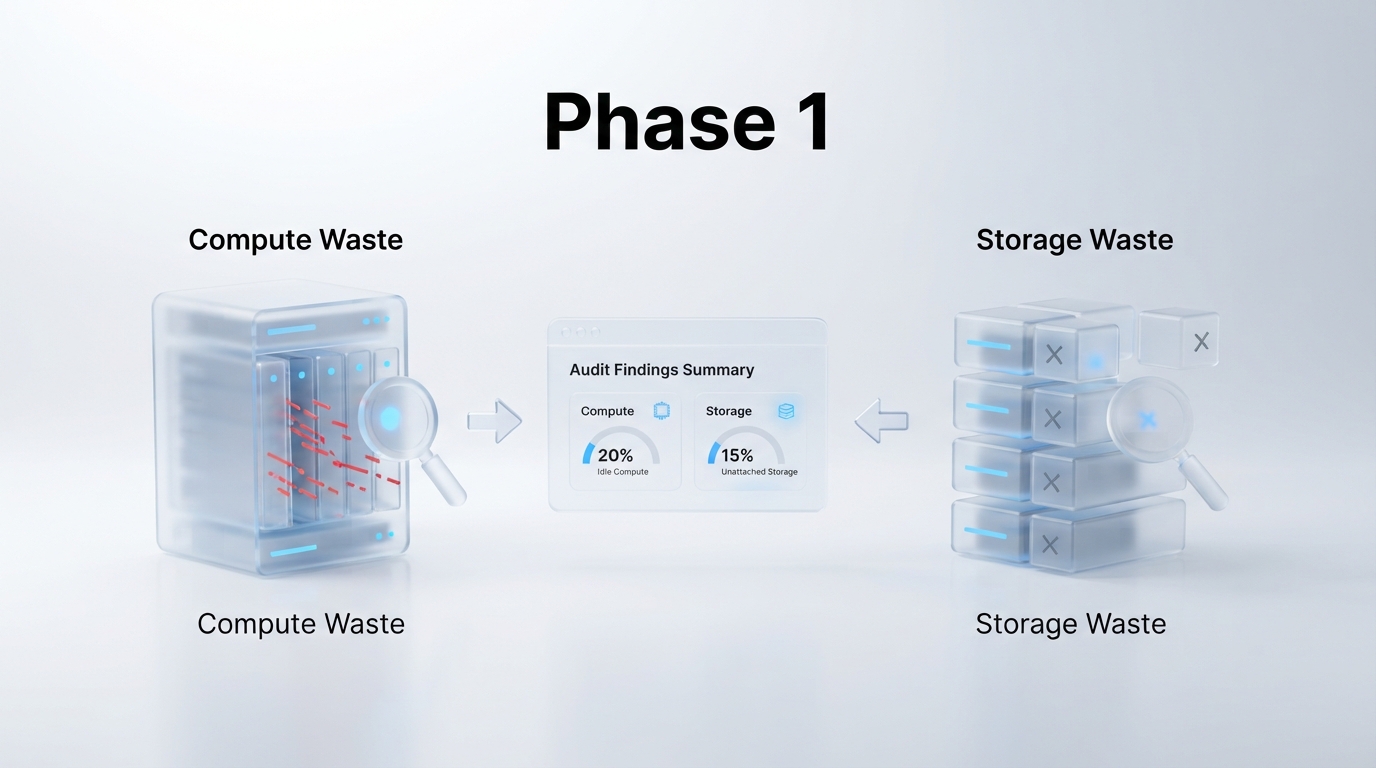
Unused cloud resources act like a broken faucet in your monthly operating budget. You pay AWS for allocated capacity whether your applications actually use it or not. The fastest way to stem cloud spend leaks starts with auditing compute instances and storage volumes to eliminate obvious waste.
System administrators often find that old testing servers, detached drive volumes, and outdated database backups quietly rack up thousands of dollars in hidden fees. Spotting these idle assets requires a disciplined audit framework based on real performance metrics rather than guesswork.
Step-by-Step Audit Items for Your AWS Cloud Cost Optimization Checklist
Begin your audit by inspecting Amazon EC2 instances. Virtual servers left running without traffic are one of the biggest drivers of wasted spend. You should evaluate instances over a continuous 14-day window using Amazon CloudWatch or automated observability platforms like Datadog.
- CPU Utilization: Flag any instance where maximum CPU utilization remains under 5% across 14 consecutive days.
- Network I/O: Verify if total inbound and outbound network traffic drops below 5 MB per day.
- Memory Overhead: Audit internal RAM usage. A common engineering problem is severe memory overhead. Systems engineers actively discuss how auditing Kubernetes clusters for memory bloat often reveals 40% to 50% wasted memory due to poor container limit definitions.
If an EC2 server hits these low-usage thresholds, terminate it or stop it immediately. For instances showing low but steady traffic, downsize to a smaller instance family or switch to modern AWS Graviton-based processors for better price-performance.
"Compute and storage are in your cloud account, so if you don't aggressively audit active instances, orphaned resources will bleed your account dry."
Next, focus your audit on Amazon Elastic Block Store (EBS) and Amazon S3 storage layers. When engineers delete an EC2 instance, attached storage volumes often remain behind in an "available" state. These unattached volumes continue accruing charges indefinitely at standard block storage rates.
Prune your storage clutter using this straightforward action plan:
- Delete Unattached EBS Volumes: Search your EBS console for volumes marked as "available". If an unattached volume contains no required data, delete it immediately.
- Clean Up Orphaned EBS Snapshots: Identify point-in-time disk backups older than 90 days that are no longer associated with active EC2 instances or Amazon Machine Images (AMIs).
- Configure S3 Lifecycle Tiers: Store active application files in S3 Standard, but configure automated lifecycle rules to move objects older than 30 days to S3 Standard-Infrequent Access (IA) or Glacier Instant Retrieval.
Managing storage efficiency in the cloud works much like clearing out unused files on physical devices. Just as tech creators show in this tutorial on cleaning up cluttered digital storage, clearing out digital debris immediately frees up vital capacity and stops unnecessary monthly spend.
To keep your team accountable, use this reference audit matrix during your routine infrastructure reviews:
| AWS Resource | Audit Metric Threshold | Optimization Action |
|---|---|---|
| EC2 Instances | Max CPU < 5%, Network < 5MB / 14 days | Stop, terminate, or right-size instance size |
| EBS Volumes | State = "available" (Unattached > 7 days) | Create final snapshot if needed, then delete volume |
| EBS Snapshots | Age > 90 days with no attached AMI/Instance | Deregister associated AMI and purge snapshot |
| S3 Buckets | Objects unaccessed for 30+ days | Apply S3 Lifecycle policy to move to Glacier/IA |
Proactive resource cleanup is only half the battle. Building a clean environment from the start prevents waste before it builds up. Adopting an official AWS Cost Optimization framework ensures your cloud deployment follows strict architectural guidelines.
If you want to skip manual auditing stress, team up with experts who construct lean environments right out of the box. Getting an official Cloud Deployment from InDevXo ensures your cloud infrastructure matches your exact operational needs without hidden resource leaks. Our direct, authentic deployment services give you peace of mind and bulletproof cost controls from day one.
Phase 2: The Actionable AWS Cloud Cost Optimization Checklist for Network and Licensing
Network data charges are the ultimate silent killer on cloud bills. Most engineering teams spend weeks right-sizing compute instances. Yet they ignore the quiet trickle of gigabytes moving across Availability Zones, traversing NAT Gateways, or leaking into public internet routes. Over a quarter, that trickle turns into a flood of unexpected operational costs.
Fixing these leaks requires an immediate focus on network paths and software commitments. This action item list isolates high-friction expense items and delivers quick structural wins.
Architectural Network Items for Your AWS Cloud Cost Optimization Checklist
NAT Gateways create massive hidden expenses. AWS charges an hourly rate for every NAT Gateway you run. More importantly, they charge roughly $0.045 per gigabyte of data processed through it. Think of a NAT Gateway like a toll booth that charges you based on the total weight of your truck's cargo instead of just a flat vehicle fee. If your private EC2 instances or EKS pods pull large container images or backup files from Amazon S3 through a NAT Gateway, you pay data processing fees twice.
You can eliminate these charges immediately. Set up free Gateway VPC Endpoints for Amazon S3 and Amazon DynamoDB. Routing traffic through VPC Endpoints bypasses the NAT Gateway completely, keeping data on the internal AWS network without data processing surcharges.
| Network Traffic Path | Standard Data Processing Cost | Optimized Network Alternative | Potential Savings |
|---|---|---|---|
| Private Subnet to S3 via NAT Gateway | ~$0.045 per GB processed | Gateway VPC Endpoint | 100% of NAT processing fees saved |
| Cross-Availability Zone (AZ) Traffic | ~$0.01 per GB in / out | AZ-aware microservice routing | Up to 50% reduction in inter-node bandwidth |
| Direct Origin Fetch to Public Internet | Standard Regional Data Out rates | Amazon CloudFront Edge Caching | 20% to 60% lower outbound bandwidth costs |
Cross-AZ traffic is another frequent financial drain. Sending data between two EC2 instances in different Availability Zones within the same region costs money in both directions. Align your application services. Keep high-throughput microservices inside the same Availability Zone using local routing policies or cluster placement groups.
Caching data at the edge also provides immediate relief. Using CloudFront to cache static assets lowers data transfer out rates compared to serving directly from EC2 or S3 origin servers.
Targeting Licensing Waste on Your AWS Cloud Cost Optimization Checklist
Licensing commitments and unallocated discount capacity often represent pure waste. Engineers frequently buy Reserved Instances (RIs) or compute Savings Plans with good intentions. Months later, application changes leave those prepaid commitments sitting idle while new instance families bill at full on-demand rates.
Engineers discussing modern cloud practices in DevOps community discussions on AWS cost tools frequently highlight that native AWS tag-slicing and automated recommendation engines now pinpoint under-utilized RIs faster than manual spreadsheets. You should regularly review your Savings Plan coverage rates. If workload demands shift constantly, flexible compute Savings Plans are far safer than rigid, instance-specific Reserved Instances.
"Platform selection is Phase 2, not Phase 1. The work that determines whether a deployment succeeds happens earlier: assessing your network paths and licensing commitments before scaling out."
Third-party software licenses present similar overhead. Many organizations run commercial operating systems like Windows Server or SQL Server on default instance types without checking their actual CPU needs. Right-size before you license. If an application only uses 20% of an 8-core SQL Server instance, downsize to a 4-core instance. You immediately cut your software license fees in half.
Specialized management platforms like Binadox help track multi-cloud software seats, but native tools like AWS License Manager also prevent over-provisioning across hybrid environments (as detailed in third-party cloud cost management software reviews).
Building a pristine cloud network takes deep expertise. Setting up custom VPC configurations, setting up routing rules, and right-sizing database hosts from the start requires experience. Instead of spending months fixing costly architectural mistakes after launch, working with InDevXo for your official Cloud Deployment ensures your infrastructure is optimized from day one. Our direct Cloud Deployment service gives you direct access to expert engineers who design your topology correctly out of the gate, preventing expensive NAT leaks and unused license overhead before they ever hit your monthly invoice.

Run through this actionable checklist during every technical sprint review:
- Audit NAT Gateway throughput: Identify top talkers using VPC Flow Logs. Convert S3 and DynamoDB calls to free Gateway VPC Endpoints.
- Eliminate cross-AZ node communication: Group interconnected services within the same Availability Zone using local service discovery.
- Evaluate Savings Plan coverage: Ensure overall commitment coverage stays above 80% without leaving active RIs unused.
- Audit commercial software licenses: Reclaim unassigned third-party Marketplace seats and downsize core counts on licensed database engines.
- Enforce tag governance: Tag every network gateway, elastic IP, and licensed instance to ensure clear accountability across teams.
Phase 3: Why Official Cloud Deployment from InDevXo Prevents Architectural Overspending
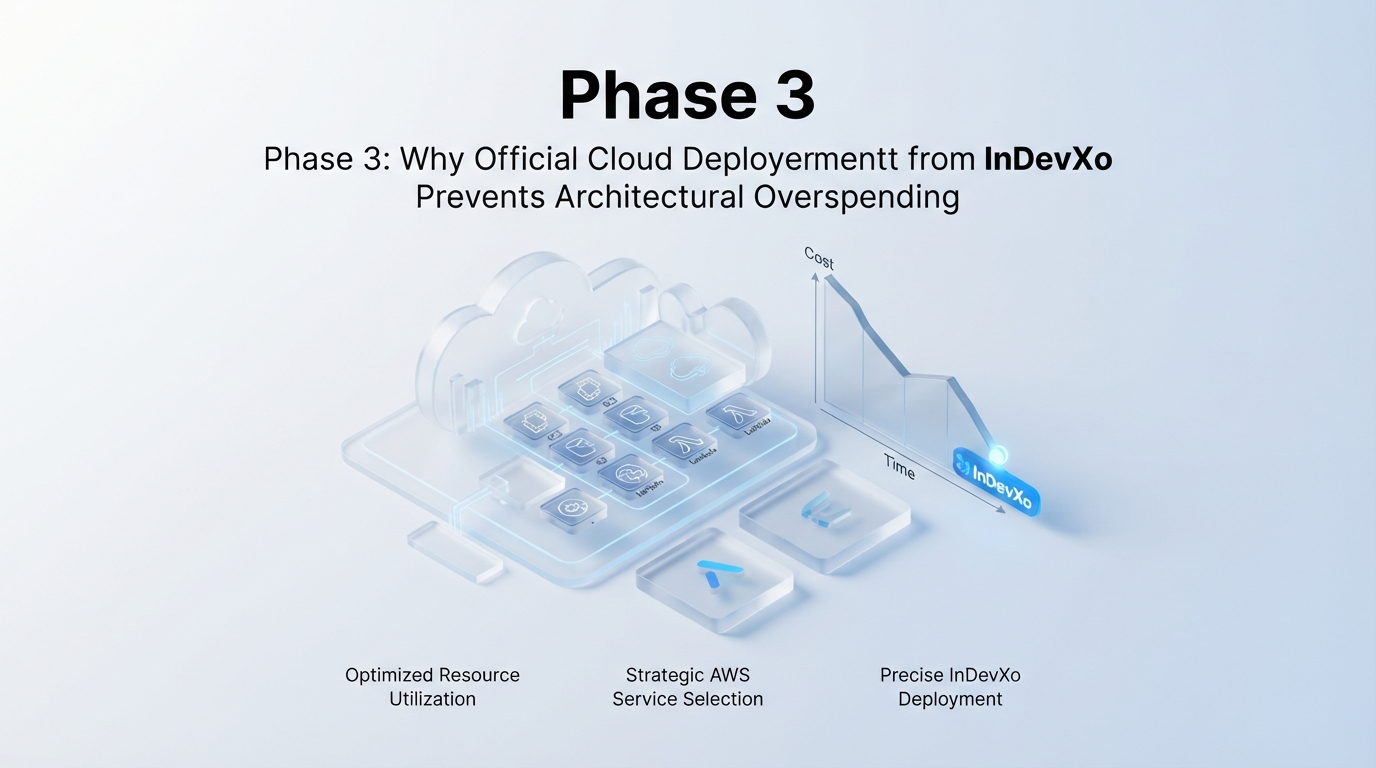
Architecting Infrastructure with the AWS Cloud Cost Optimization Checklist
Engineering leaders often hand developers raw cloud bills and ask them to trim the fat. If you've ever found yourself with developers hunting down cloud cost line items, you know how painful manual cleanup gets. Patching leaks after deployment feels like plugging holes in a sinking boat. You spend hours auditing EC2 instances when the real problem sits deep inside your core setup.
Most cloud waste happens during initial setup. Infrastructure wizards often select default instance sizes that are twice as big as needed. They spin up NAT Gateways across multiple availability zones for tiny staging environments. They leave unattached Elastic Block Store (EBS) volumes hanging around. According to official AWS cost management guidance, tailoring your architecture to your actual workload performance is the fastest way to stop overspending. Building your environment right from the start eliminates these expensive traps entirely.
To keep your setup lean, you must follow the core pillars of cloud financial health. What are the four pillars of cost optimization? They center on right-sizing your resources, building elastic auto-scaling systems, picking the right pricing model, and constantly reviewing your operational spending. Aligning your infrastructure with an aws cloud cost optimization checklist keeps your team from over-provisioning resources just to play it safe.
"We realized 40% of our monthly AWS bill came from default configurations we forgot to change after launch. Fixing defaults fixed our budget."
Why Official Cloud Deployment Prevents Architectural Bloat
Building secure, cost-efficient cloud environments takes deep expertise. Setting up everything manually often leads to misconfigured routes, forgotten idle servers, and unexpected inter-region data transfer fees. That's why many engineering teams struggle when sysadmin debates on cloud infrastructure savings point out how fast cloud costs outpace on-premise hardware.
You don't need to rebuild the wheel or guess which configurations save money. Leveraging our authentic Cloud Deployment solution gives you a direct, expert-built foundation straight from the official provider. We hand-craft your infrastructure templates to enforce cost guardrails from minute one. You get direct access to battle-tested configurations that prevent over-provisioned defaults, redundant networking setups, and hidden operational overhead.
| Architecture Approach | Initial Configuration Risk | Resource Sizing | Long-Term Cost Control |
|---|---|---|---|
| Manual DIY Setup | High (Default wizard settings cause bloated cross-AZ data fees) | Over-provisioned for safety | Requires constant developer firefighting |
| InDevXo Official Cloud Deployment | Zero (Pre-audited templates eliminate wasteful services) | Right-sized for exact workloads | Automated governance built directly into setup |
What are some effective strategies for reducing AWS costs during deployment? Start by turning off non-production environments during off-hours, which can slash up to 70% of non-prod compute bills. Next, use cloud-native auto-scaling so your compute power shrinks when traffic dips. Finally, replace generic compute nodes with serverless or containerized setups where appropriate.
What are the best practices for cost optimization in AWS? You should enforce tag-based budget policies, clean up orphaned snapshot storage weekly, and use pre-configured environment templates. Choosing our official Cloud Deployment ensures your production and staging environments run on lean, hardened infrastructure. It gives your team instant peace of mind, knowing your cloud footprint remains lean, secure, and fully optimized straight out of the box.
Phase 4: How to Automate Cost Governance and Anomaly Detection
Manual checking will always lose to silent cloud leaks. Your engineering team gets busy shipping features, someone leaves a heavy GPU cluster running over the weekend, and suddenly your cloud spend surges unexpectedly. You can't rely on humans to spot every rogue server. Real financial control requires automated guardrails that run around the clock.
As one cloud engineer pointed out in a FinOps discussion about automated cost tracking, manual checking falls behind fast. You need automated tools that catch spend deviations before they turn into end-of-month budget disasters.
Automated Governance Steps for Your AWS Cloud Cost Optimization Checklist
Setting up AWS Budgets is your first line of defense. You set budget limits based on predicted monthly spend, then configure threshold alerts at 50%, 80%, and 100% of target limits. But static budgets only trigger after costs occur. They don't catch real-time operational spikes quickly enough.
That's where AWS Cost Anomaly Detection changes the game. It uses machine learning to monitor your routine spend patterns across services. If an automated script suddenly spins up 50 large instances, the anomaly detector flags the behavioral drift within hours. You can stream these alerts directly to your team's Slack channels using Amazon Simple Notification Service (SNS).
Watch this breakdown on building lasting cloud cost governance to see how automated alerting and lifecycle rules keep engineering teams accountable.
Tagging is the secret to total spend visibility. Think of resource tags like labels on storage boxes in your warehouse. Without tags, you can't tell which department or feature created a spike in your billing statement. Enforce tag compliance using AWS Organizations Service Control Policies (SCPs). Reject any resource creation request that lacks required keys like Environment, Owner, and Project.
Once you activate your user-defined tags in the AWS Billing and Cost Management documentation console, you can filter monthly expenses by team or application inside Cost Explorer with zero guesswork.
Automating Non-Production Shutdown Schedules
Engineers don't work 24 hours a day, so your dev and staging servers shouldn't run all night either. Standard business hours account for roughly 40 hours a week. That means non-production environments sit idle for 128 hours out of every 168-hour week. Running test servers 24/7 wastes over 70% of your non-production compute budget.
You can automate shutdown schedules using AWS EventBridge combined with AWS Lambda, or deploy the pre-packaged AWS Instance Scheduler. Configure simple triggers to stop staging instances at 7:00 PM every weekday and keep them turned off all weekend.
| Management Approach | Weekly Server Runtime | Compute Spend Impact | Operational Risk |
|---|---|---|---|
| Manual Instance Tracking | 168 hours / week | 100% full-rate cost | High (devs forget to turn off idle nodes) |
| Automated Event Schedules | ~45–50 hours / week | Saves ~65% to 70% on non-prod compute | Zero (event-driven stop triggers run automatically) |
Setting up IAM roles, budget notifications, and tag policies takes specialized effort. If building custom automation scripts slows down your team, choosing an official Cloud Deployment service from InDevXo gives you direct access to expert architecture setups equipped with automated tag policies, alerting, and cost-guardrails straight out of the box.
What Are the Most Overlooked AWS Billing Traps to Avoid?
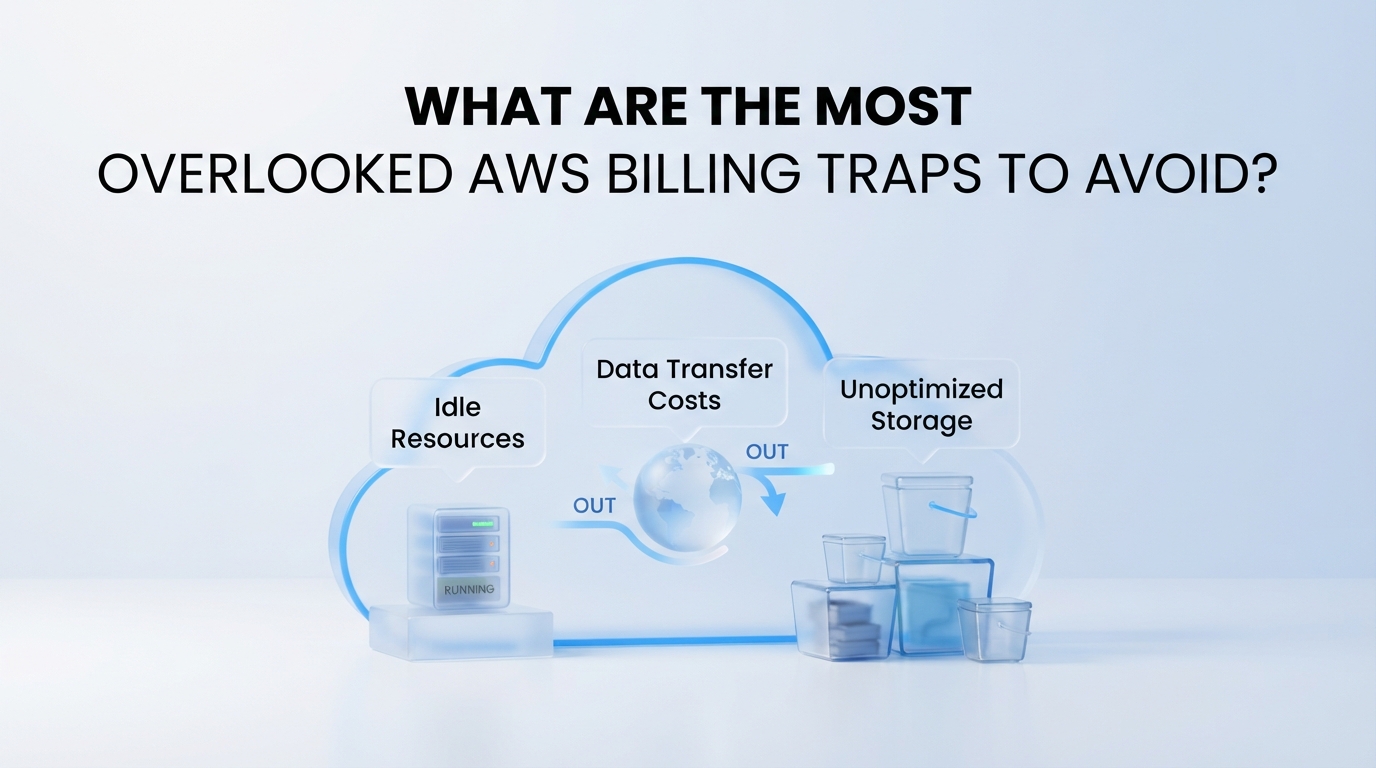
Cloud bills hide surprises. Many team leaders think cloud costs stem purely from leaving giant virtual machines running over the weekend. But the real budget busters are much smaller, quieter, and far harder to spot in standard dashboards.
A single misconfigured function can trigger thousands of dollars in unexpected charges overnight. Real engineers regularly share these billing horror stories online. For example, one developer famously documented a misconfigured Lambda function cost spike on Reddit after a simple recursive call loop burned through $3,200 in hours. To protect your monthly budget, you must know where these billing traps hide.
AWS Cloud Cost Optimization Checklist: Uncovering Silent Traps
When running a routine audit, standard reports often miss structural traps. Review these four major danger zones before your next billing cycle arrives.
| Billing Trap | Why It Causes Waste | How to Fix It |
|---|---|---|
| Cross-AZ Data Transfers | Traffic moving between different Availability Zones in the same region costs money both ways. | Keep application servers and databases inside the same zone when possible, or use VPC Endpoints. |
| Serverless Runaways | Uncapped Lambda concurrency and loose API Gateway timeouts allow infinite retry loops. | Set hard reserve concurrency limits and set CloudWatch billing alarms at low thresholds. |
| Savings Plan Over-Commitment | Locking into 3-year Compute Savings Plans without predicting workload shifts leaves unused commitment. | Buy 1-year flexible plans incrementally based on baseline usage over the last 90 days. |
| Untagged Multi-Account Chaos | Shared network hubs and central logs make it impossible to assign costs to specific teams. | Enforce mandatory AWS Cost Allocation Tags using Service Control Policies across all accounts. |
Mastering the Four Pillars of Cost Optimization
Google users frequently ask what foundational rules govern cloud budget management. AWS builds its financial management framework around four main principles. Following these pillars gives you complete control over your cloud spending.
- Right-Sizing: Match server instance sizes to actual CPU and RAM demands. Downsize over-provisioned databases and compute nodes.
- Increasing Elasticity: Turn off non-production resources automatically outside office hours. Stop paying for dev environments running on weekends.
- Choosing the Right Pricing Models: Blend On-Demand, Spot Instances, and Savings Plans based on steady-state versus temporary workloads.
- Optimizing Storage and Network: Move cold data to cheaper storage tiers like S3 Glacier and eliminate unnecessary cross-region network routes.
Applying this strategy requires the right tooling. The built-in AWS Cost Optimization Hub console centralizes right-sizing recommendations across all account groups. For multi-cloud visibility, third-party management platforms like Vantage offer deeper breakdown views into your hourly network data movement.
"Security Hub recommendations and cost allocation tags should be mandatory for newly created resources. If you don't tag on day one, you'll fight an uphill battle later." — Cloud Practitioner Tip
Bad architecture choices lead directly to bloated monthly invoices. Building a clean environment from scratch prevents these billing traps entirely. Through our official guaranteed authentic Cloud Deployment solution, you receive direct-from-provider infrastructure setups tailored specifically for operational efficiency and tight cost governance.
Preventing Serverless and Network Cost Leaks
Data transfer costs act like a silent sinkhole. When services communicate over public IP addresses—even inside the same cloud region—AWS charges standard internet egress rates. Routing database queries through private VPC endpoints removes these external transit fees while boosting security.
Serverless architecture brings immense scalability, but without safety switches, scale translates directly into expense. A bad database query can force an API Gateway to time out. The front-end client retries automatically. Suddenly, your system executes millions of failed functions in minutes. Setting concurrency limits caps your maximum exposure. It acts like a breaker switch inside your electrical box.
Watch this structural management guide to understand how proper design choices prevent unnecessary operational waste.
Using an actionable aws cloud cost optimization checklist keeps your team focused on real financial leakage points. Regular weekly reviews of your billing dashboard help you spot spikes early. Fix small anomalies today before they grow into five-figure emergencies tomorrow.
Sustaining Long-Term Cloud Governance and Infrastructure Value
Establishing a Routine Cadence for Your AWS Cloud Cost Optimization Checklist
Cloud financial control requires constant momentum. Running a single audit won't protect your monthly budget from unexpected infrastructure drift. True financial management requires turning audit steps into repeatable operational habits across every engineering team.
Many teams fall into expensive cloud billing traps after rushing their initial migrations. We often see engineers on Reddit's sysadmin community discussions complaining that cloud hosting ended up costing far more than legacy on-prem systems. That happens when organizations treat cloud architecture like a static data center instead of a dynamic resource. Tools like Binadox offer real-time spending tracks to catch anomalies across multi-cloud environments, while native tools like the AWS Cost Optimization Hub highlight immediate rightsizing options. But software alone can't fix fundamental structural mistakes.
To maintain long-term control, you must align your operations with the core pillars of AWS cost optimization:
- Implement Cloud Financial Management: Build cost awareness directly into your company culture and engineering routines.
- Adopt Expenditure Awareness: Tag every resource cleanly so department heads know exactly what they spend.
- Select Cost-Effective Resources: Pick the correct instance types, storage tiers, and pricing models for actual workload demands.
- Manage Demand and Supply: Use auto-scaling and spot instances to prevent paying for idle compute capacity.
- Optimize Over Time: Review new AWS feature releases regularly to replace legacy services with faster, cheaper alternatives.
Preventing cost leaks starts on day one with a clean structural foundation. Setting up your environments through our official Cloud Deployment service gives you an authentic, expert-configured cloud infrastructure designed directly by official provider standards. We build automated governance, strict IAM guardrails, and optimal network topologies straight into your baseline configuration. You don't have to spend months guessing whether your setup follows architectural best practices. Our official direct deployment guarantees your cloud starts lean, stays compliant, and scales without sudden budget surprises.
Data engineering pipelines and analytical queries often drive up unexpected cloud costs. Mastering how data platforms execute queries helps software architects build cleaner database schemas that reduce compute load across AWS compute services.
Executing an aws cloud cost optimization checklist every quarter keeps your cloud footprint lean and transparent. Don't wait for a surprise invoice to force your team into emergency cleanup mode. Review your storage policies today, automate your shutdown schedules, and build a governance structure that turns your cloud infrastructure into a predictable growth engine.